Building School WiFi on a Budget: Connectivity Before Concrete
I see this all the time: A school has a beautiful building. A freshly painted gate. A landscaped garden. And inside the Computer Lab? “No Internet Connection.”
Or worse, the Principals’ office has fast WiFi, but the Teacher’s Staff Room has 1 bar that disconnects every 5 minutes.
This is a failure of priorities. In 2025, connectivity is as important as electricity.
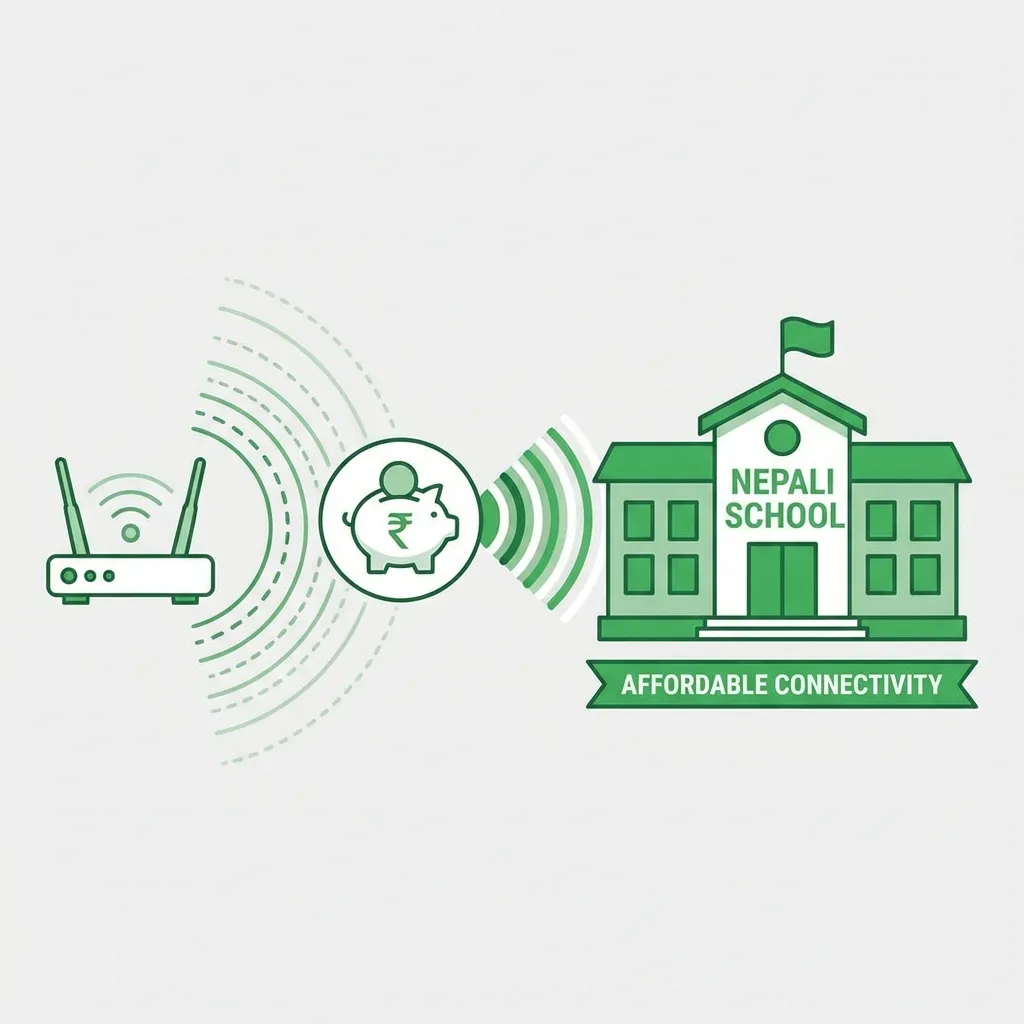
The “Consumer Router” Trap
The biggest mistake schools make is buying a Rs. 2,500 “Home Router” (the ones with 2 antennas) and expecting it to handle 300 students. It will crash. The CPU inside is too weak.
graph TD
  A["Start: Budget Fix"]
  A --> B["1. Buy Business Hardware (e.g., Mikrotik/Ubiquiti)"]
  B --> C["2. Separate Networks (VLANs): Admin, Teachers, Students"]
  C --> D[3. Install Caching Server (e.g., Squid)]
  D --> E["End: Stable, Faster, Data-Saving WiFi"];
Figure 1: Three-Step Budget WiFi Fix Strategy
The Budget Fix (3 Steps)
1. Buy Business Hardware (Second Hand is Okay)
You don’t need a Cisco Enterprise setup. But simple Mikrotik or Ubiquiti access points are game changers.
- Cost: ~Rs. 10,000 - 15,000.
- Capacity: 50+ users stable.
2. Separate the Networks (VLANs)
This is free if you configure it right.
-
SSID 1:
School_Admin(Principals/Office). Priority Bandwidth. -
SSID 2:
School_Teachers(Staff Room). Unblocked YouTube (for lesson planning). -
SSID 3:
Student_Lab(Restricted). Block PUBG. Block TikTok.
3. Caching Server
This is the Teacher Developer secret weapon. Install a “Caching Proxy” (like Squid) on an old PC.
- When Student A watches a YouTube video on “Photosynthesis”, it is downloaded once from the internet.
- When Student B, C, and D watch it, it plays from the local server.
- Result: The internet feels 100x faster and you save data.
Convincing the Management
Don’t ask for “Networking Equipment.” Ask for “Digital Books.” Explain that 1 year of good internet costs less than painting the school walls, but it increases the value of the education infinite times more.
Related Posts and Resources
- Low-Tech, High-Impact Teaching in Nepal
- Coding for Teachers in Nepal
- Data-Driven Grading for Educators
- Open-Source Schools in Nepal
- Gamification in Nepali Classrooms
- Cyber Hygiene for Students and Teachers
- Flipped Classroom in Nepal
- CS Unplugged Activities in Nepal
- AI-Based Assessment in Nepal
- Digital Marketing in Nepal (Complete Guide) \n\n## Visual Summaries\n
graph LR
  A[Student requests content]
  A --> B{Content in local cache?}
  B -- No --> C[Download from Internet]
  C --> D[Store in local cache]
  D --> E[Serve content to student]
  B -- Yes --> E
  E --> F["Faster access & data savings"];
Figure 2: Caching Server Workflow