Data-Driven Grading: Using Analytics to Help Struggling Students (Not Just Rank Them)
In Nepal, our exam system is obsessed with Position.
“Who came First?” “Who failed Math?”
We use data to rank students, label them, and then move on to the next unit. This is like a doctor taking your temperature, telling you “You have a fever,” and then sending you home without medicine.
Data shouldn’t just be a scoreboard. It should be a diagnostic tool.
The “Red Flag” Spreadsheet
I want you to build a simple tool I call the “Red Flag Sheet.”
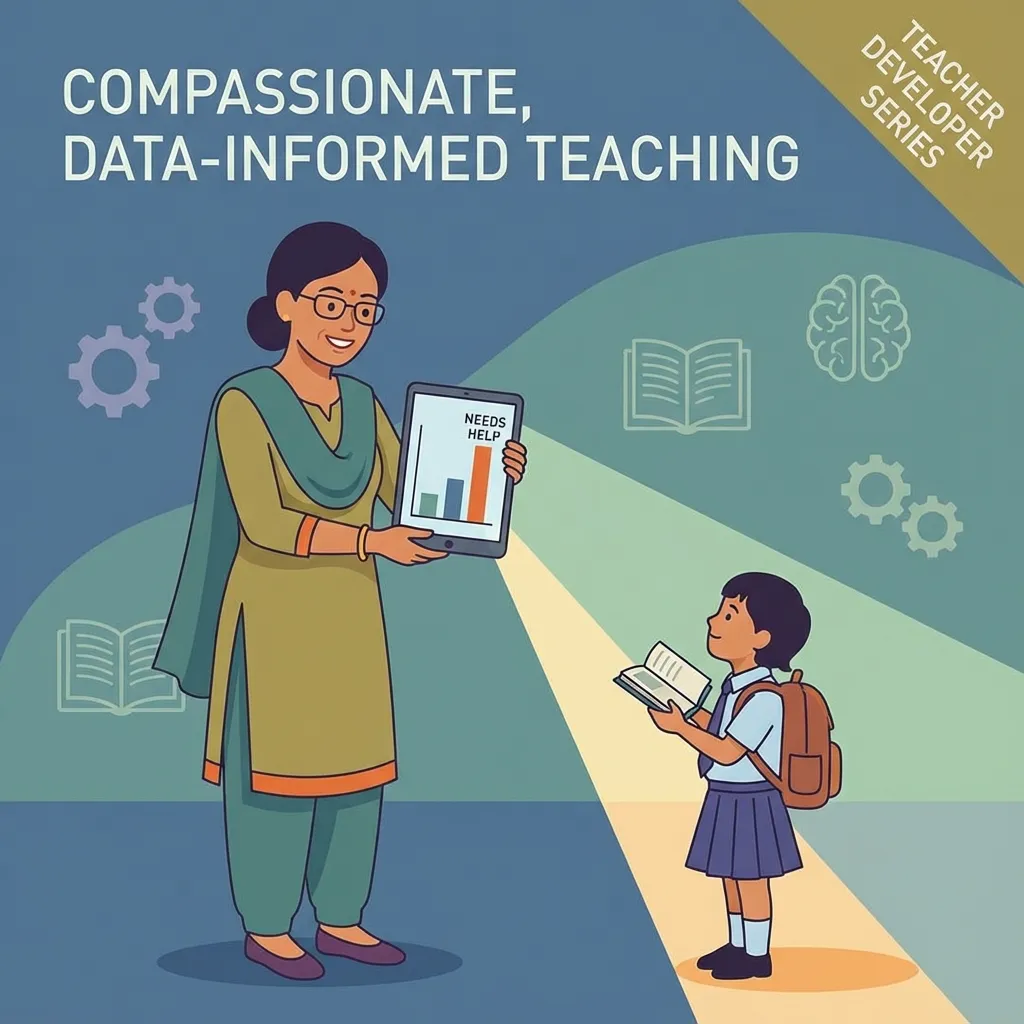
It’s not complex software. It’s just a Google Sheet (or Excel file) where you track specific skills, not just total marks.
How to Build It:
Instead of columns like “Unit Test 1 (Total)”, break it down:
- Column A: Student Name
- Column B: Algebra Question (5 Marks)
- Column C: Geometry Question (5 Marks)
- Column D: Word Problem (5 Marks)
The Magic of Conditional Formatting
Now, select all your data cells. Go to Format > Conditional Formatting.
- If value < 3: Turn cell RED.
- If value >= 4: Turn cell GREEN.
What This Reveals
Suddenly, you don’t just see “Ram got 10/15.” You see where Ram is struggling.
- If the whole class has a RED column for “Geometry,” it means you didn’t teach Geometry well enough. You need to re-teach it.
- If clear “A” students all failed the “Word Problem,” it means they know the math but struggle with language.
- If one student is RED across everything, they need a 1-on-1 intervention immediately.
mindmap
  root((Insights from Red Flag Sheet))
      Whole Class RED Column
          Topic not taught well
          Requires re-teaching
      Clear "A" Students Failed Word Problem
          Know math, struggle with language
          Focus on language comprehension
      One Student RED Across Everything
          Needs immediate 1-on-1 intervention
          Fundamental learning gaps
Figure 2: Interpreting Red Flag Sheet Insights
Moving from “Post-Mortem” to “Preventative”
Usually, we find out a student doesn’t understand a topic during the Terminal Exam. By then, it’s too late. The marks are printed. The parents are angry.
By using micro-data (quiz by quiz, question by question), you can catch the problem on Tuesday so you can fix it by Friday.
The Teacher Developer Mindset
A software developer monitors their server logs to find errors before the website crashes. A Teacher Developer monitors student data to find confusion before the student crashes.
Stop using data to judge. Start using data to save.
Related Posts and Resources
- Low-Tech, High-Impact Teaching in Nepal
- Coding for Teachers in Nepal
- Open-Source Schools in Nepal
- Gamification in Nepali Classrooms
- Cyber Hygiene for Students and Teachers
- Flipped Classroom in Nepal
- CS Unplugged Activities in Nepal
- School Wi-Fi Budget Planning
- AI-Based Assessment in Nepal
- Digital Marketing in Nepal (Complete Guide) \n\n## Visual Summaries\n
flowchart TD
    A[Student Score] --> B{Score < 3?};
    B -- Yes --> C["Cell RED: Needs Attention"];
    B -- No --> D{Score >= 4?};
    D -- Yes --> E["Cell GREEN: Competent"];
    D -- No --> F["Cell Default: Review"];
Figure 1: Conditional Formatting Logic for Red Flag Sheet