From User to Creator: Why Nepali Teachers Should Start Coding (Even Just a Little)
When I suggest to teachers that they should learn to code, the reaction is usually panic.
“Sir, I teach Social Studies. Why do I need to know Python?” “I struggle to open my email. Coding is for engineers.”
I get it. In Nepal, we are taught that “Computer Science” is a specialized subject for people who are good at math.
But coding is not just about writing cryptical lines of text on a black screen. Coding is about logic. It is about understanding how machines think so you can make them work for you.
The “Superpower” Argument
Imagine you have a folder of 500 student assignments. You need to rename all of them from IMG_2024.jpg to StudentName_Grade.jpg.
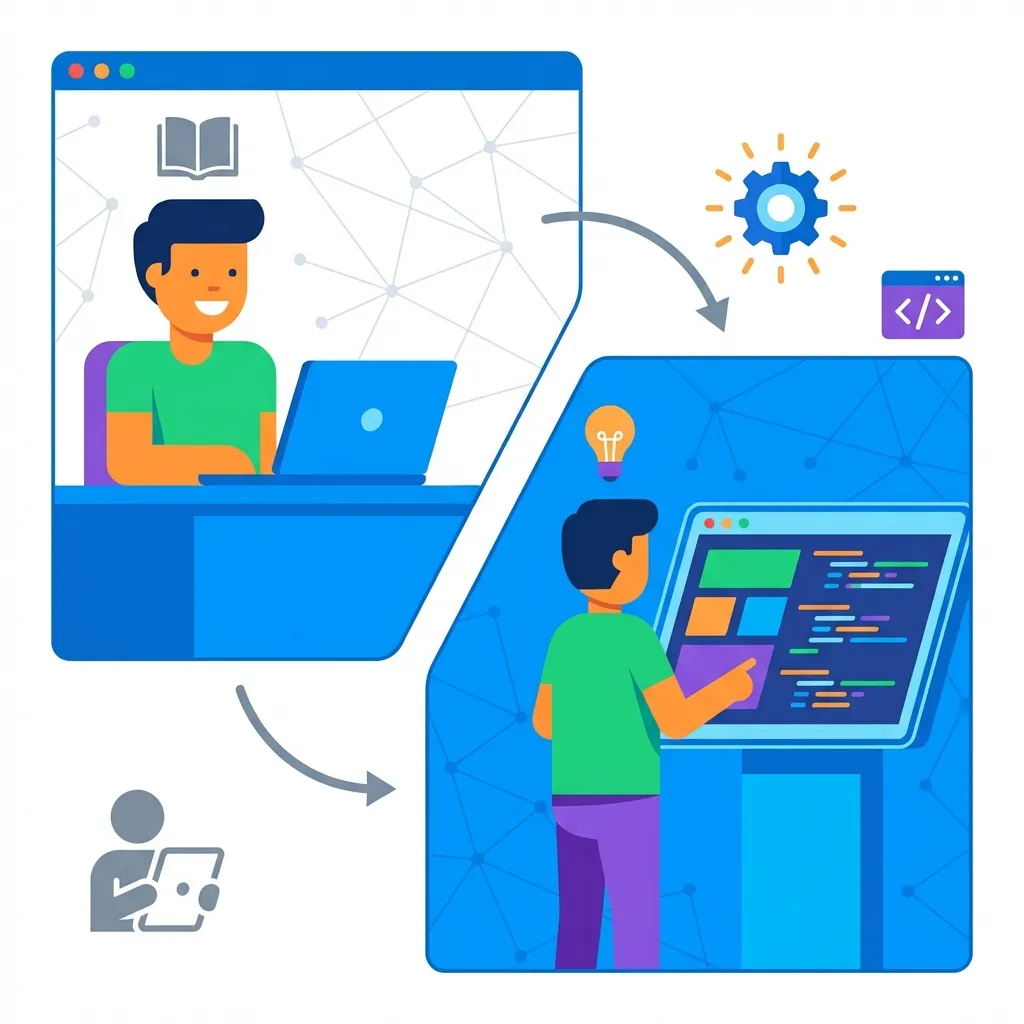
- ** The Non-Coder:** Right-click, Rename, Type name. Repeat 500 times. Ruin your weekend.
- The Coder: Write a 3-line script. Press Enter. Finish in 2 seconds. Go have Chiya with friends.
This is the difference. Coding moves you from being a User (who does what the software allows) to a Creator (who tells the software what to do).
graph TD
  A["Problem: Rename 500 files"] --> B{Approach?};
  B -- Non-Coder --> C[Manual Renaming];
  C --> D{"Outcome: Ruined Weekend"};
  B -- Coder --> E["Write 3-line Script"];
  E --> F{"Outcome: Task Done in 2 seconds"};
  F --> G[Enjoy Chiya with friends];
  style C fill:#fdd,stroke:#333,stroke-width:2px
  style D fill:#f66,stroke:#333,stroke-width:2px
  style E fill:#dfd,stroke:#333,stroke-width:2px
  style F fill:#6c6,stroke:#333,stroke-width:2px
Figure 1: Non-Coder vs. Coder Approach to File Renaming
Where to Start? (It’s easier than you think)
You don’t need to build a Facebook clone. You just need to learn the basics of “Computational Thinking.”
mindmap
  root((Start Coding Journey))
    Scratch
      Visual Blocks
      Core Concepts (Loops, Variables, If-Then)
      Build Quiz Games
    Google Apps Script
      Automate Google Docs/Sheets/Forms
      Email Certificates
      Secret Weapon for Teachers
    Python
      Text-based (English-like)
      Automate Boring Stuff
      Thousands of Free Resources
      Friendly Language
Figure 2: Entry Points for Teachers to Learn Coding
1. Scratch (Not just for kids)
If you have never written code, start with Scratch. It uses visual blocks. It teaches you the core concepts—loops, variables, if-then logic—without the scary syntax. Challenge: Build a simple “Quiz Game” for your class using Scratch.
2. Google Apps Script
This is the secret weapon for teachers. Apps Script lets you write simple code that works inside Google Docs, Sheets, and Forms. Example: Write a script that automatically emails a “Job Well Done” certificate to any student who scores 100% on a Google Form quiz.
3. Python (The friendly language)
If you want to try text-based coding, Python is the best place to start. It reads almost like English. There are thousands of free resources, but I recommend “Automate the Boring Stuff with Python” (the book that inspired my blog series).
Empowering Your Students
The most surprising benefit of learning to code? You become a role model.
When a student sees their English teacher automating a task or their Science teacher building a simple simulation, they realize that technology is a tool for everyone, not just the “computer geeks.”
You show them that problems are solvable if you break them down into steps. And that is a lesson that applies to every subject—from Literature to Life.
Related Posts and Resources
- Low-Tech, High-Impact Teaching in Nepal
- Data-Driven Grading for Educators
- Open-Source Schools in Nepal
- Gamification in Nepali Classrooms
- Cyber Hygiene for Students and Teachers
- Flipped Classroom in Nepal
- CS Unplugged Activities in Nepal
- School Wi-Fi Budget Planning
- AI-Based Assessment in Nepal
- Digital Marketing in Nepal (Complete Guide)