Canvas vs. Google Classroom: Choosing Your EdTech Platform
A Comparative Analysis of Canvas LMS and Google Classroom: Strategic Architecture, Pedagogical Efficacy, and Institutional Scalability
Executive Introduction
The digital transformation of the global educational sector has evolved dramatically from the reactionary, emergency-driven software deployments of the early 2020s into a period of deliberate, highly strategic infrastructure planning. As educational institutions across K-12, higher education, and corporate training sectors evaluate and solidify their technological ecosystems for the 2025 and 2026 academic cycles, the selection of a primary digital learning environment remains a foundational decision that impacts every facet of organizational operations. This comprehensive research report provides an exhaustive, multi-dimensional comparative analysis of two dominant platforms in the educational technology landscape: Instructure’s Canvas Learning Management System (LMS) and Google Workspace for Education’s Google Classroom.
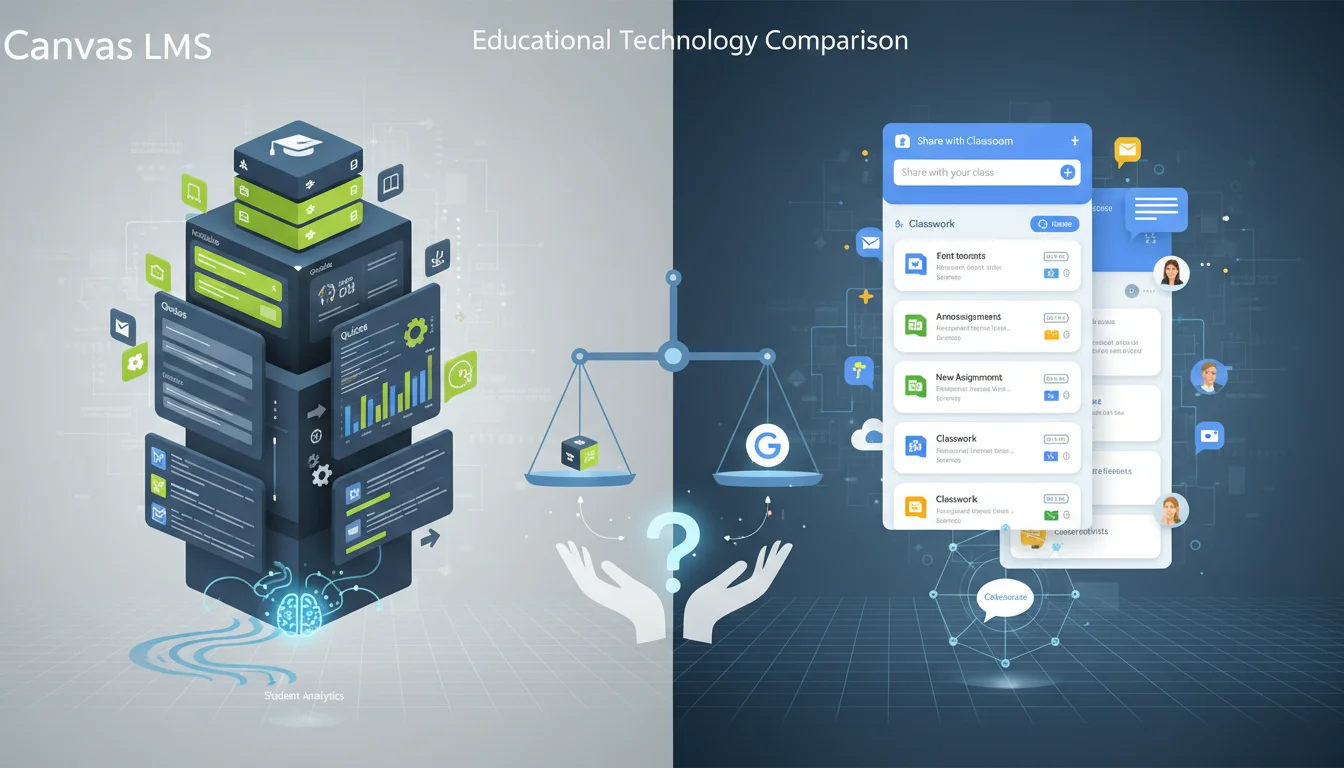
Rather than viewing these platforms merely as software alternatives performing similar functions, the analysis indicates that they represent fundamentally divergent pedagogical and architectural philosophies. Canvas is a comprehensive, modular, and highly customizable Learning Management System engineered specifically for enterprise-scale operations, deeply structured asynchronous learning, and extensive third-party interoperability. It is designed to act as the central nervous system of a large educational institution. Conversely, Google Classroom functions as a streamlined, collaboration-focused extension of the broader Google Workspace ecosystem. It optimizes for immediate deployment, synchronous or face-to-face blended learning, and unparalleled user self-sufficiency without the need for intensive technical oversight.
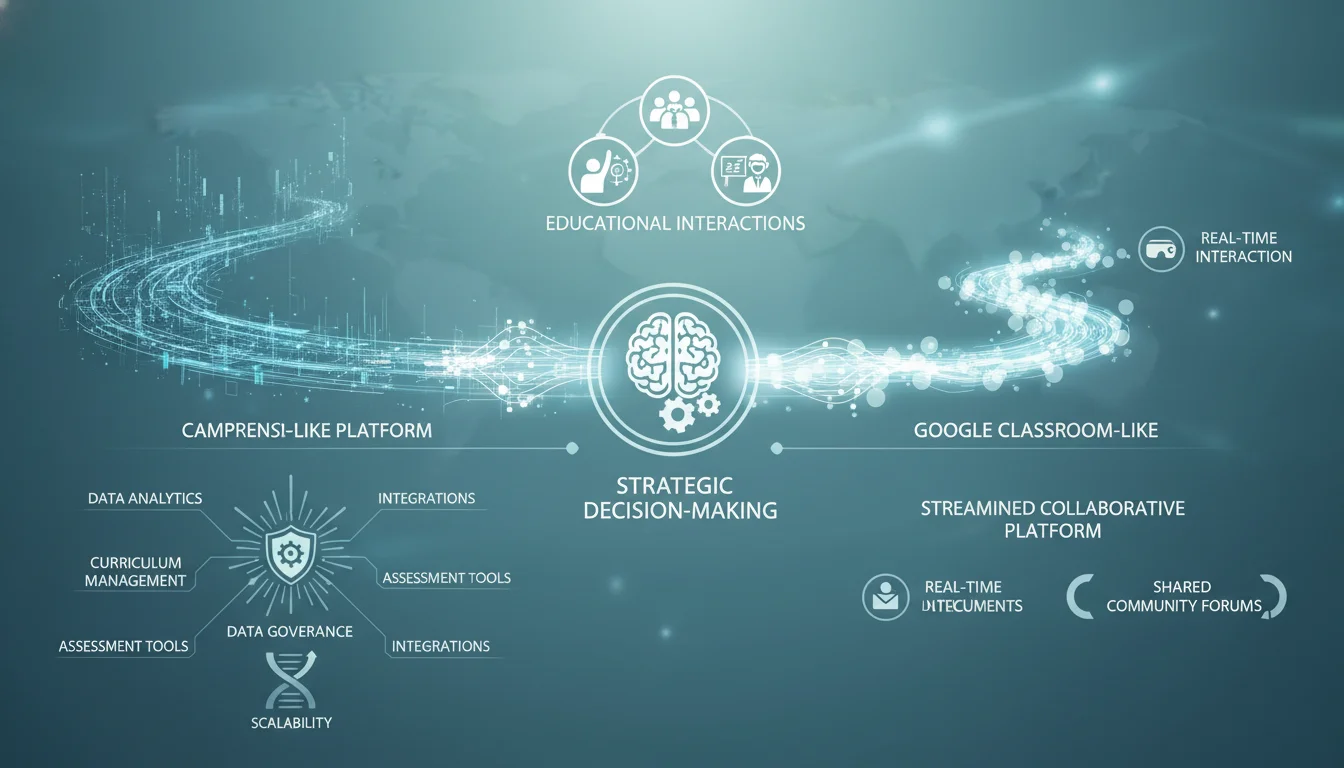
By evaluating their administrative overhead, total cost of ownership, interoperability standards, pedagogical frameworks, native and external data analytics pipelines, and emerging artificial intelligence capabilities, this report outlines the second and third-order implications of adopting either platform. The strategic choice between Canvas and Google Classroom ultimately dictates an institution’s capacity for scalability, the depth of its data governance, and the fundamental mechanics of how educators and learners interact within the digital paradigm.
Foundational Philosophies and Architectural Design
The Structural Paradigm: Modules versus the Stream
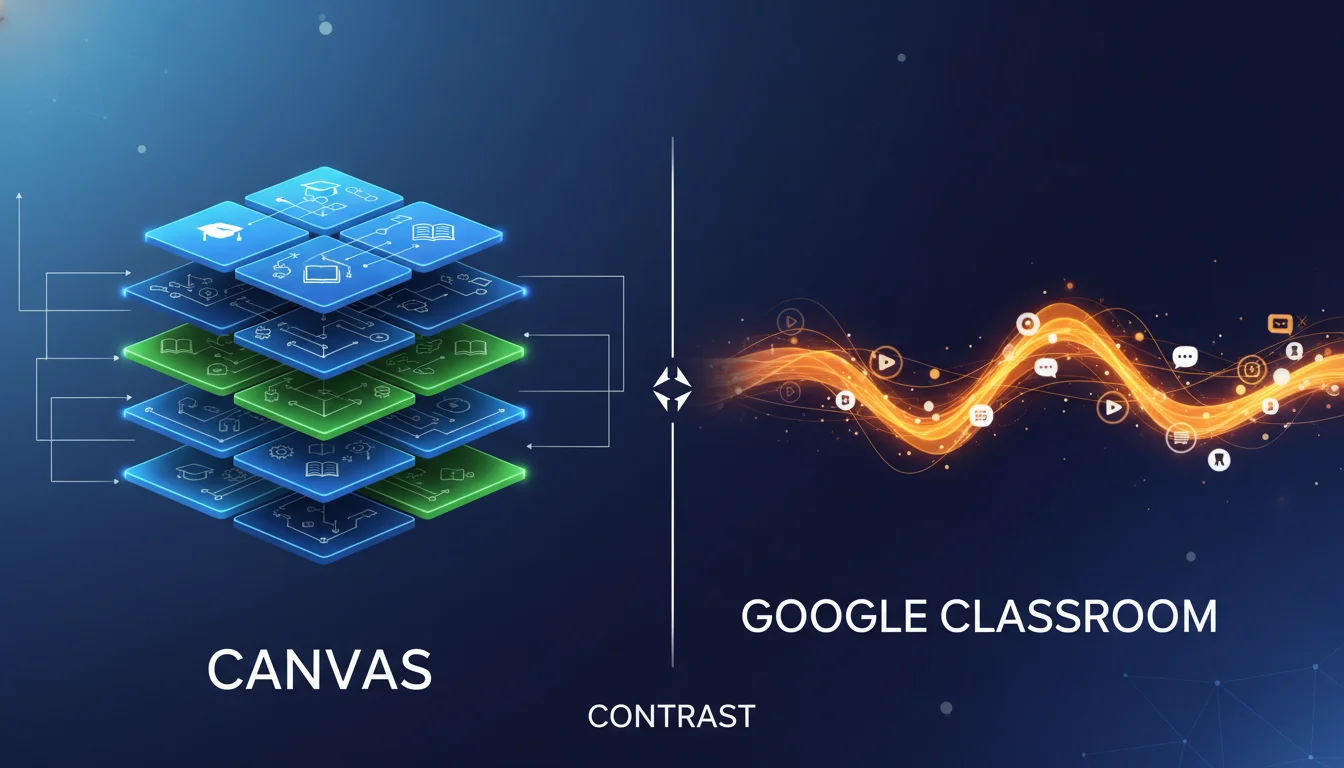
The architectural disparity between Google Classroom and Canvas is deeply rooted in their distinct approaches to information delivery, user interface design, and course organization. Google Classroom is frequently described by instructional designers and educational technologists as an education-focused social feed rather than a traditional academic repository. Its user interface centers predominantly around the “Stream” and “Classwork” tabs, leveraging a linear, chronological deployment of assignments, announcements, and resources. This flattened, highly visible hierarchy intentionally reduces cognitive load for younger learners and minimizes the friction of content delivery. The streamlined nature makes Google Classroom highly effective for face-to-face, blended learning environments where the platform serves as a supplementary distribution and communication tool rather than the primary instructional vessel. All classroom materials are natively stored in Google Drive, making them easily accessible and deeply intertwined with the user’s personal cloud storage habits.
Canvas, however, is architected around the concept of the “Module.” It functions as a true, robust Learning Management System capable of housing, organizing, and securing vast repositories of asynchronous curriculum. Canvas enables instructional designers to build complex, gated learning pathways. Utilizing features like Mastery Paths, the platform allows for the automatic personalization of learning based on a student’s real-time performance. For example, students who demonstrate proficiency in introductory concepts through a formative assessment can automatically be routed to complex enrichment problems, while students who struggle are directed to supplementary practice materials and remediation videos. This modular, conditionally released design requires significant initial setup from the educator but yields a structured, highly independent learning environment suitable for higher education, massive open online courses (MOOCs), and formal corporate training programs.
Scalability, System Parameters, and Institutional Scope
The explicit system limits of both platforms clearly delineate their intended target audiences and operational capacities. Google Classroom imposes strict, hard-coded operational ceilings to maintain its lightweight infrastructure. Under current specifications, courses are limited to a maximum of 100 members per group, with a cap of 75 groups per class. This parameter reinforces its fundamental design as a tool engineered for individual classrooms, extracurricular programs, or small-to-medium instructional cohorts.
Canvas possesses virtually no such limitations, engineered explicitly to handle the immense data load of enterprise-scale educational delivery. It is built to accommodate cross-account integrations, consortium-level querying, and massive simultaneous enrollments that span multiple universities, sprawling academic departments, and diverse academic calendars. Furthermore, Canvas provides granular administrative controls over course lifecycles, allowing administrators to set explicit start and end dates for courses, thereby limiting student access to proprietary materials once the academic term concludes. This level of lifecycle management is essential for higher education institutions protecting intellectual property and managing formal accreditation cycles.
Institutional Deployment, Administrative Overhead, and Change Management
IT Infrastructure and Staffing Requirements
Google Classroom is universally recognized as a lightweight system characterized by extreme ease of deployment and minimal technical friction. An individual educator can launch a fully functional digital classroom, complete with communication streams and assignment portals, during a single preparation period. The setup process typically requires only minutes and demands almost no ongoing IT maintenance from centralized staff. Consequently, Google Classroom is positioned as the ideal solution for budget-conscious K-12 districts—particularly those under 1,000 students—because it does not demand heavy IT staffing or external consultancy fees. Districts with 0–500 students can often operate the platform with zero dedicated IT maintenance beyond the standard provisioning of Workspace licenses. It is a decentralized, democratic model that empowers educator self-sufficiency.
In stark contrast, Canvas is an enterprise-scale, cloud-hosted SaaS architecture that necessitates rigorous, centralized IT governance. The implementation process for Canvas typically spans a rollout period of 6 to 12 months, requiring meticulous planning regarding data migration, user role definitions, and system-wide formatting. Implementation usually involves a substantial one-time setup fee ranging between $15,000 and $50,000. Furthermore, ongoing maintenance requires dedicated, highly trained administrative support. Industry baselines and structural analyses recommend allocating approximately 0.5 to 1.0 Full-Time Equivalent (FTE) Canvas administrators per 2,000 students. These administrators are required to manage complex hierarchical permissions, build localized course templates, oversee system integrations, update terms, and navigate firewall permissions during setup. While Instructure provides extensive vendor support to streamline this process, the internal institutional commitment remains massive.
The Psychology of Educational Change and Platform Migration
Adopting a complex enterprise LMS like Canvas requires systemic change management and an understanding of organizational psychology. Educational change must be deeply purposeful, requiring leadership to establish clear SMART goals (Specific, Measurable, Achievable, Relevant, and Time-bound) to ensure that the technological shift aligns with actual pedagogical outcomes rather than superficial digitalization.
Because Canvas possesses a significantly steeper learning curve, institutions must allocate massive resources for extensive professional development. Without proper training, users might feel overwhelmed by the numerous options, leading to platform abandonment or superficial usage. For instance, achieving “Canvas Certified Educator” status demands a 40-hour time commitment from the educator and incurs a cost of $500 per person.
To mitigate the anxiety that such a massive transition brings, institutions must engage stakeholders through inclusive planning, gathering feedback via surveys, focus groups, and strategic committees. Leadership must anticipate obstacles through rigorous SWOT (Strengths, Weaknesses, Opportunities, and Threats) analyses and develop contingency plans for staff opposition. Resistance to platforms like Canvas is often rooted in legitimate concerns regarding a loss of control, risk aversion, or perceived threats to pedagogical expertise. Conversely, Google Classroom circumvents much of this psychological resistance entirely.
Its user interface is so intuitive and deeply familiar to anyone who has used standard Google products that instructional teams have successfully migrated their entire curriculum and initiated active grading workflows within a single afternoon.
Financial Architecture and Total Cost of Ownership
| Feature / Tier Category | Google Classroom Ecosystem | Canvas LMS Ecosystem |
|---|---|---|
| Base Free Tier | Education Fundamentals (Free for qualifying educational institutions) | Free-for-Teacher Account (Limited functionality; meant for individual trials) |
| Storage Limitations (Free) | Relies on pooled cloud storage via Google Drive | Severely restricted: 50 MB per user; 500 MB per course |
| Standard / Mid-Tier Pricing | Education Standard: $3 per student per year | N/A (Pricing transitions directly to custom institutional contracts) |
| Advanced / Enterprise Tier | Education Plus: $5 per student per year | Custom institutional subscription based on scale |
| Specialized Add-on Modules | Teaching and Learning Upgrade: $4.80 per license per month | Add-ons available for extra cost (e.g., Canvas Studio, IgniteAI) |
| Official Customer Support | Scaled availability based on Workspace tier | None for Free accounts (except account deletion, course restoration, password resets) |
The Free-for-Teacher Strategy vs. The Google Workspace Funnel
Google Classroom’s base offering, the Education Fundamentals plan, provides a robust suite of course management tools entirely free for qualifying K-12 institutions, making it highly compelling for budget-conscious districts that require immediate digitalization without immediate capital expenditure. As institutional needs mature, Google offers tiered upgrades. The Education Standard tier ($3 per student per year) is targeted at institutions requiring advanced security and the ability to export classroom logs to BigQuery for large-scale data analytics. The Education Plus tier ($5 per student per year) serves as the most advanced package, unlocking premium tools, automated Student Information System (SIS) syncing, deeper analytics, and enterprise-grade data loss prevention. Furthermore, a specialized Teaching and Learning Upgrade is available for $4.80 per license per month, focusing purely on advanced pedagogical and engagement tools.
Canvas utilizes a “Free-for-Teacher” account model to introduce the platform to individual educators operating outside of an institutional contract. However, this tier is strategically constrained to force institutional adoption. It enforces a highly restrictive 50 Megabyte storage quota per user and a 500 Megabyte limit per course. While this may suffice for text-heavy syllabi, it renders the platform practically unusable for courses requiring multimedia submissions, video lectures, or large student rosters. Furthermore, the free tier lacks official customer support channels, advanced administrative tools, blueprint courses, multiple grading periods, custom authentication (SSO) options, and access to Canvas’s proprietary New Quizzes tool. Consequently, while an individual teacher may test Canvas for free, widespread institutional viability mandates transitioning to a paid, custom-priced enterprise contract negotiated directly with Instructure.
Alternative Ecosystems: The Moodle Consideration
When analyzing LMS cost structures, it is vital to contextualize Canvas and Google Classroom against open-source alternatives like Moodle. Moodle is entirely free to download and provides unmatched, unparalleled adaptability through an extensive library of plug-ins, allowing institutions to dictate exact platform functionality. However, this open-source flexibility generates immense hidden costs. Managing Moodle demands massive technical oversight, ongoing server hosting fees, and dedicated IT maintenance to handle updates and security patching. Canvas balances this adaptability with ease of maintenance through its cloud-hosted SaaS model, shifting the maintenance burden from the institution to the vendor, albeit at a premium subscription cost.
Interoperability, LTI Standards, and the EdTech Ecosystem
A defining technological differentiator between Canvas and Google Classroom is their systemic approach to interoperability and external application integration. This distinction dictates whether an educational institution operates within a proprietary “walled garden” or an open, interconnected digital campus.
The Implications of LTI 1.3 Advantage Compliance
Learning Tools Interoperability (LTI) is the critical global standard protocol established by the IMS Global Learning Consortium that allows a Learning Management System to securely and seamlessly connect with third-party educational software, digital publisher content, and specialized assessment tools. Canvas fully supports and carries full certification for the rigorous LTI 1.3 Advantage specification. This compliance enables deep, secure integration with an ecosystem of over 500 leading educational technology partners. Through Canvas, advanced features such as deep linking, Names and Role Provisioning Services (used for automatic, background roster syncing), and Assignment and Grade Services (which enables a seamless two-way grade passback) occur frictionlessly without the educator needing to manage data transfers.
Conversely, Google Classroom currently lacks full LTI 1.3 Advantage compliance. The platform supports only basic LTI links that generally force content to open in new browser tabs, breaking the unified user experience. This limitation prevents the platform from seamlessly integrating complex publisher content from major academic providers such as Savvas or McGraw Hill. Universities or large school districts that require deep LTI interoperability for their digital curriculum will encounter infrastructural walls immediately upon adopting Google Classroom. Furthermore, because Google Classroom relies on limited APIs, educators using external formative assessment tools are frequently forced to manually download CSV files and transfer scores into the Google gradebook, a process highly susceptible to human error, data corruption, and administrative fatigue. Classroom monitoring tools vital to K-12 environments, such as NetSupport Classroom Cloud, HP Classroom Manager, and Mythware, all struggle with Google Classroom’s limited API, requiring separate authentication and window monitoring outside the standard browser environment.
Student Information System (SIS) Sync and Auto-Rostering
Maintaining accurate, up-to-date student rosters is a persistent and tedious administrative burden for educators. Canvas addresses this challenge through automated, nightly SIS syncing capabilities. During volatile academic periods—such as the transition between semesters or athletic seasons—student schedules fluctuate rapidly. With Canvas, if a student changes their schedule, the roster reflects the modification automatically, adding new students and removing unenrolled ones within a day. This eliminates the need for access codes and ensures teachers can focus entirely on instructional design rather than database management.
Google Classroom limits native, automatic roster syncing to its premium Education Plus tier, utilizing the OneRoster standard. For the vast majority of users operating on the free Education Fundamentals tier, automated student enrollment must be managed manually via shareable access codes, email lists, or self-enrollment processes. This dramatically exacerbates the administrative load during term transitions.
Bridging the Gap: The Role of Jotform in the Google Ecosystem
Because Google Classroom offers only essential course management capabilities to ensure educators remain self-sufficient, institutions often rely heavily on third-party tools to augment the platform’s functionality. Jotform has emerged as a critical middleware solution for educators operating within the Google ecosystem. Jotform allows educators to build complex, no-code applications for their classrooms, bundling permission slips, feedback forms, and assignment links into a single, downloadable mobile interface equipped with push notifications.
Furthermore, Jotform provides 33 specific education-themed table templates that function as spreadsheet-powered databases to replace the granular tracking missing from Google Classroom. These templates include advanced attendance tracking (Class Sign-In Sheets for higher education, Student Sign-Out Sheets), academic management tools (Daily Assignment Checklists, Student Progress Tracking Sheets), and behavioral observation logs (Student Check-In Sheets for mental health monitoring).
By utilizing Jotform alongside Google Classroom—especially given Jotform’s 50 percent educational discount for teachers—educators can simulate the complex tracking matrices natively found in Canvas.
Pedagogical Workflows: Course Design, Assessment, and Grading Matrices
The user interface and course design tools within an LMS directly influence the pedagogical strategies an educator can employ. Canvas and Google Classroom approach content authoring and assessment from entirely different perspectives.
Content Authoring and Customization Freedom
The depth of course creation capabilities sharply separates the two platforms.
Canvas features a highly sophisticated HTML Rich Content Editor that empowers instructional designers to embed multimedia, create formatted tables, inject external web links, and build interactive elements directly into the core curriculum pages. Canvas supports extensive UI customization, allowing universities and corporate entities to white-label the environment, alter navigational menus, and align the platform’s aesthetics with precise institutional branding guidelines. This extensive course customization ensures that the learning environment feels like a bespoke extension of the physical campus.
Conversely, Google Classroom offers practically zero structural customization. All courses globally adhere to an identical, standardized layout, limiting aesthetic personalization to basic header images and standardized color themes. Content creation within Google Classroom is strictly tethered to the Google Drive ecosystem; educators build lessons primarily using Google Docs, Google Slides, and Google Sheets. While this reliance on Google Workspace lacks the rich, embedded multimedia formatting of Canvas, it excels unparalleled in fostering real-time collaboration. Multiple students can simultaneously edit a single Google Doc within a group assignment, facilitating peer learning, cooperative research, and synchronous group work far more fluidly than Canvas’s file-upload methodology.
Assessment Ecosystems and QTI Standards
In the realm of formal, summative assessment, Canvas provides a vastly superior infrastructure. Canvas natively imports Question and Test Interoperability (QTI) formats, an open standard utilized by major curriculum publishers for importing massive quiz and test question pools. Canvas supports advanced quiz functionalities, including timed constraints, algorithmic question generation, complex grading rubrics, and standards-based grading matrices that tie specific questions to overarching institutional learning outcomes.
Google Classroom limits native assessments primarily to Google Forms. While Google Forms are highly effective for basic multiple-choice quizzes, short-answer exit tickets, or quick thumbs-up/thumbs-down polling, they lack the sophisticated branching, specialized mathematical equation formatting, and secure lockdown browser integration required for rigorous higher education examinations. To circumvent this, educators frequently utilize Jotform’s specialized education templates—such as the “Mini Math Quiz,” “Spelling Quiz,” or geography templates—which offer advanced automated scoring, form calculation widgets to instantly display final scores, and conditional logic to personalize the quiz flow based on previous answers.
The Feedback Loop: SpeedGrader vs. Suggestion Mode
Grading workflows reveal a fascinating dichotomy in educator preference. Canvas utilizes a proprietary tool called “SpeedGrader,” a centralized, highly efficient interface allowing educators to view student submissions (spanning PDFs, Word documents, and media files) in a unified window. Educators can annotate directly on the document, attach complex interactive rubrics, leave audio or video feedback, and enter grades without ever downloading a file to their local machine.
Despite the sheer power of Canvas’s toolset, a significant demographic of educators fundamentally prefer Google Classroom’s grading workflow for specific assignment types, particularly text-heavy essays and research papers. Google Classroom leverages the native commenting and “Suggestion” modes of Google Docs. This allows for highly targeted, conversational, and granular feedback directly within the margins of a student’s writing. The simplicity, accessibility, and iterative nature of this workflow make Google Classroom a preferred tool for English Language Arts (ELA) teachers and courses requiring multiple drafting phases.
Institutional Intelligence: Native Analytics vs. BigQuery Data Engineering
The shift toward data-driven teaching requires platforms capable of capturing, segmenting, and visualizing massive amounts of quantitative data (grades, standardized test scores) and behavioral data (time-on-task, submission consistency, engagement metrics).
Canvas: Native Intelligence and Future Roadmaps
Canvas is architected to capture deep analytical data inherently and display it natively. Its “New Analytics” engine provides both educators and individual students with interactive data visualizations, tracking course grades, weekly online activity, page views, online attendance, and communication frequencies within the Canvas Inbox. Educators can segment performance by specific subgroups (e.g., analyzing if English Language Learners require more explicit instruction).
Looking toward the 2026 platform roadmap, Instructure is heavily investing in a feature suite termed “Intelligent Insights”. This forthcoming suite radically expands native analytics to include cross-account and consortium-level querying for centralized institutional reporting. Furthermore, Intelligent Insights will provide proactive cohort tracking—identifying “Students in Need of Attention”—screen-time monitoring, and an “Ask Your Data” natural language feature for historical data analysis. Canvas is explicitly designed to keep complex data analytics native, accessible, and actionable within the platform via customizable dashboards.
Google Classroom: The BigQuery Export Paradigm
Google Classroom’s native analytics are comparatively rudimentary. The baseline analytics page offers only basic insights into class performance, tracking little more than assignment completion rates and basic grade averages. To achieve enterprise-level institutional intelligence comparable to Canvas, Google forces a structural paradigm shift: the externalization and exportation of data.
For institutions operating on the premium Education Standard and Education Plus tiers, Google Classroom logs can be exported directly into Google Cloud’s BigQuery service. BigQuery transforms how educational data is stored and utilized, but it requires data engineering expertise rather than simple LMS administration. Through the introduction of the “BigQuery data canvas,” a Gemini-powered analytical tool, data professionals can use natural language prompts to query massive datasets (e.g., millions of student event logs) without writing complex SQL code.
The BigQuery data canvas operates via a directed acyclic graph (DAG), which provides a graphical, visual representation of the analytical workflow. This allows analysts to track the lineage of their queries, transform data, and manage multiple branches of inquiry within a single workspace. When comparing BigQuery data to Google Analytics 4 (GA4) UI data, institutions often notice discrepancies (e.g., variances ranging from -12% to +19%) due to data sampling in standard reports and the utilization of Google Signals, which can reduce user counts. To resolve this, institutions must implement User-ID deduplication strategies to ensure accurate tracking. Ultimately, while Canvas provides deep internal analytics accessible to standard educators, Google provides a pipeline for massive external data modeling, requiring institutional investment in data engineering and external visualization platforms like Tableau.
Academic Integrity in the Generative Era: Formative vs. Summative Frameworks
Google Originality Reports: Formative Accountability
Google integrates Originality Reports directly into Classroom and Google Workspace assignments. This tool represents a formative approach to academic integrity. It allows students to run up to three pre-screening checks on their own work before final submission, fundamentally shifting the focus from penalization to formative self-correction, teaching proper citation, and cultivating student accountability.
A critical advantage for strict data privacy advocates is that Google Originality Reports do not store student work in a global, third-party database; all student intellectual property remains securely within the institution’s localized domain. The system checks assignments against public internet resources and a private institutional repository of previously submitted work. While this ensures maximum data sovereignty, it makes the detection net narrower than legacy systems.
Canvas Plagiarism Framework and Turnitin: Summative Enforcement
Canvas approaches academic integrity through seamless third-party integration, most notably utilizing the Canvas Plagiarism Framework (CPF) to embed Turnitin directly into the standard assignment and SpeedGrader workflows. Turnitin operates primarily as a summative enforcement mechanism. It possesses a vastly superior and more expansive database than Google, cross-referencing student submissions against billions of internet pages, heavily paywalled academic journals, and a massive global repository of previously submitted student papers from thousands of institutions worldwide.
Furthermore, Turnitin has aggressively deployed sophisticated AI-writing detection software to combat LLM-generated submissions. While Google’s Originality Report is viewed by educational technologists as a highly effective tool for teaching citation in secondary education, Turnitin remains the mandatory, rigorous standard for higher education institutions and advanced academic research protecting institutional integrity.
Artificial Intelligence Capabilities: Gemini for Education vs.
As the 2025 and 2026 academic cycles commence, both platforms have deeply embedded generative AI into their ecosystems, aiming to reduce educator burnout, streamline administrative tasks, and personalize student learning pathways.
AI Capability Matrix
- Primary AI Engine
- Google Classroom (Gemini for Education): Google Gemini (Gemini 3, Gemini Nano)
- Canvas LMS (IgniteAI / Partner LLMs): OpenAI (GPT models), expanding to Claude/Gemini
- Core Educator Tools
- Google Classroom (Gemini for Education): Lesson plan generation, text re-leveling, rubric creation, hook generation
- Canvas LMS (IgniteAI / Partner LLMs): Automated content creation, targeted remediation plans, semantic search
- Student-Facing AI
- Google Classroom (Gemini for Education): NotebookLM (Visual mind maps, Audio Overviews, practice quizzes)
- Canvas LMS (IgniteAI / Partner LLMs): LLM-enabled interactive assignments, ChatGPT-like conversational environments
- Data Privacy Posture
- Google Classroom (Gemini for Education): Enterprise-grade; data is strictly not used to train global AI models
- Canvas LMS (IgniteAI / Partner LLMs): Managed within institutional privacy protocols; requires external LLM license reviews
- Financial Access Model
- Google Classroom (Gemini for Education): Moving downstream to Plus users in 2026; 30+ free tools for educators
- Canvas LMS (IgniteAI / Partner LLMs): Extra cost add-on; requires existing partner-powered LLM subscriptions
Google Gemini: The Educator’s Co-Pilot
Google’s strategic approach embeds Gemini directly into the core Workspace interface. For educators, Gemini serves as an omnipresent productivity co-pilot capable of dramatically reducing administrative burdens and planning time. From a central destination within Classroom, teachers can utilize over 30 distinct AI tools. They can prompt Gemini to generate comprehensive lesson plans, draft creative hooks for lectures, re-level existing reading materials to accommodate diverse Lexile levels (a crucial feature for differentiated instruction and special education accommodations), and instantaneously create detailed grading rubrics.
For students, Google offers NotebookLM, an incredibly powerful AI research assistant. Students can upload their specific course materials, and NotebookLM will process the data to generate interactive visual mind maps, personalized practice flashcards, and “Audio Overviews”—AI-generated, conversational podcasts explaining the uploaded material for flexible, on-the-go learning. Historically locked behind premium $20/month Google AI Pro licenses, Google’s 2026 roadmap pushes these Gemini features “downstream” to Education Plus users, democratizing access to AI tools without requiring separate subscriptions.
Canvas IgniteAI: Conversational LLM Assessments
Instructure’s response to the generative AI revolution is IgniteAI, a suite of tools developed initially in partnership with OpenAI. While IgniteAI also automates standard content creation and streamlines grading, its most disruptive and innovative feature is the “LLM-Enabled Assignment”. This feature allows educators to create custom, GPT-like interactive conversational environments directly within the Canvas interface. Instead of writing a static essay, a student might engage in a Socratic debate with an AI persona instructed to act as a historical figure or a scientific peer. The system then provides the educator with a high-level view of the student’s progress, highlighting exact moments in the transcript where the student successfully demonstrated required learning competencies.
Furthermore, IgniteAI features automated remediation, which analyzes student performance data across multiple vectors to automatically suggest targeted intervention plans. It is critical for institutional procurement teams to note that IgniteAI is an extra-cost feature requiring institutions to maintain existing, paid subscriptions to LLM providers (currently OpenAI, with future support planned for Anthropic Claude and Google Gemini). The activation of these features requires careful review by institutional IT Security to ensure data privacy protocols align with university standards before opting in.
Mobile Accessibility and Device Parity
The mobile experience is no longer a supplementary feature; it is a primary access point that dictates platform equity. Institutional studies from 2023 indicate that 48% of higher education students and 41% of educators frequently rely on mobile applications to access their LMS, demanding high stability and feature parity.
Canvas offers highly developed, distinct, and bifurcated applications: “Canvas Student” and “Canvas Teacher”. This strategic bifurcation ensures the user interface is explicitly optimized for specific workflows rather than cluttering a single app. The Canvas Student app supports dark mode, the ability to view integrated LTI tools natively, customizable widgets, and crucially, offline downloading—allowing students with unstable internet access to download full course modules to study offline. It also maintains VPAT 2.2 accessibility compliance, supporting screen readers, Microsoft Immersive Reader, and customized text settings for equitable access.
The Google Classroom mobile application consolidates both teacher and student views into a single, unified interface. While it boasts massive global download numbers—dominating international app stores alongside consumer tools like Duolingo (achieving 27.98 million downloads on Android in 2024 alone)—it suffers from occasional feature disparity compared to its desktop counterpart. The app successfully facilitates basic assignment submission, mobile grading, push notifications, and offline support, but advanced administrative configurations and complex rubric management are often restricted to the desktop browser experience. Nevertheless, its extreme simplicity and low processing requirements make it highly effective for younger students utilizing tablets in a 1:1 K-12 device deployment strategy.
Conclusion and Strategic Recommendations
The exhaustive comparative analysis of Canvas LMS and Google Classroom reveals that the decision between the two platforms should not be based on a superficial feature-by-feature checklist. Instead, the procurement decision must align with an institution’s overarching educational strategy, structural complexity, pedagogical philosophy, and IT capacity.
For K-12 school districts, extracurricular programs, and resource-constrained environments, Google Classroom is definitively the superior strategic choice. Its zero-friction deployment methodology, lack of dedicated IT overhead, seamless integration with the Google Workspace ecosystem, and highly intuitive UI design align perfectly with the needs of younger learners and face-to-face blended instructional models. The 2026 integration of Gemini AI tools into the baseline educator experience further solidifies its position as the ultimate workflow accelerator for individual teachers.
Conversely, for higher education institutions, large-scale K-12 consortiums, and corporate training enterprises, Canvas LMS is mandatory infrastructure. The platform’s strict adherence to LTI 1.3 Advantage interoperability standards, its ability to auto-roster massive student populations via deep SIS integration, and its architectural capacity to handle rigorous, asynchronous module-based learning pathways make it the only viable option for institutions that require strict assessment security, complex data governance, and accreditation tracking.
Ultimately, institutions must decide where their data intelligence will reside and how much control they wish to exert over the learning environment. Google Classroom thrives by eliminating barriers to immediate collaboration, fostering a democratic, decentralized approach to digital learning. Canvas excels by providing the architectural rigor, deep native analytics, and structural complexity necessary to orchestrate a comprehensive, secure, and globally scalable digital campus.