Unit 4.3
Technology Solutions for E-commerce Security
Learning Objectives
By the end of this chapter, you will be able to:
- ✅ Identify the key technology solutions for e-commerce security.
- ✅ Explain the role of encryption and SSL/TLS in securing communications.
- ✅ Describe the function of a firewall and compare it to antivirus software.
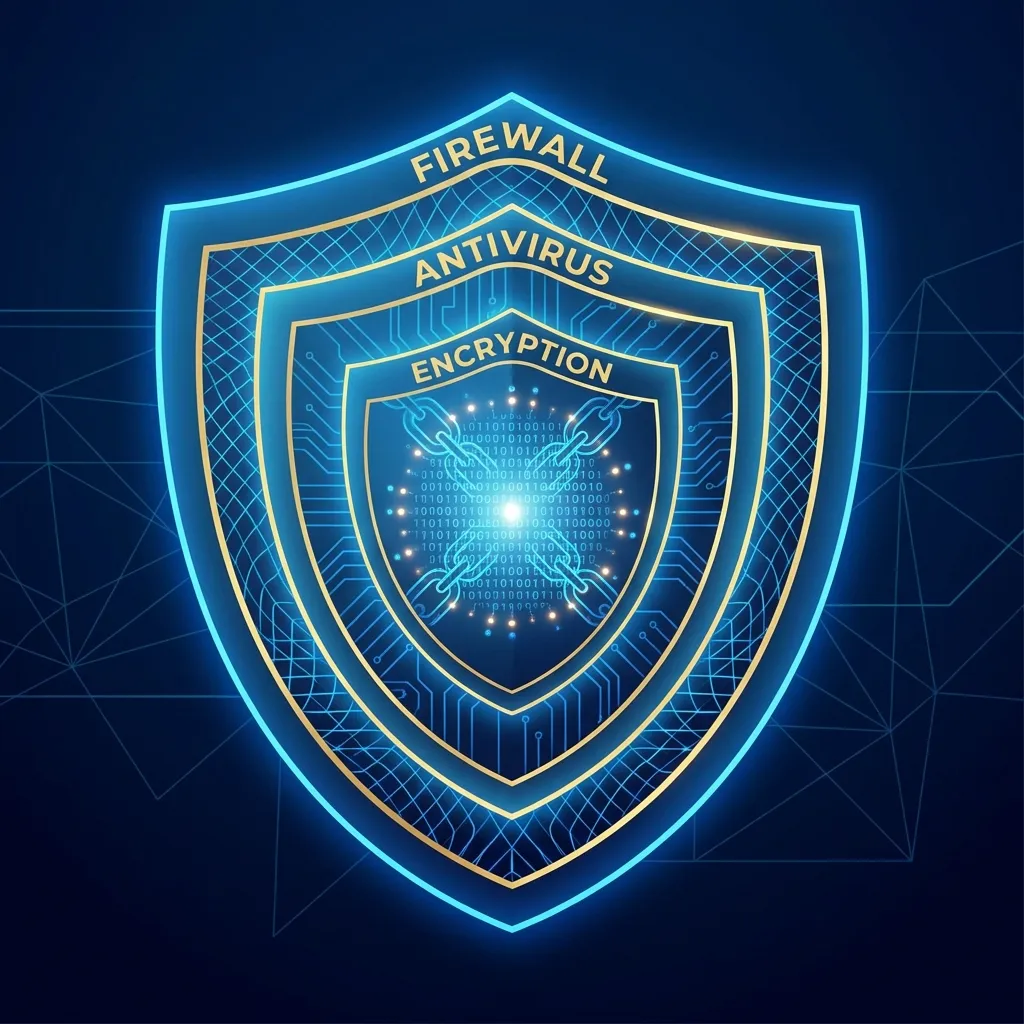
A Multi-Layered Approach to Security
No single technology can protect an e-commerce site completely. A robust security strategy involves multiple layers of defense.
🛡️ Encryption
Protects data in transit.
🧱 Firewalls
Protects the network perimeter.
🦠 Antivirus
Protects individual machines.
Let's explore each layer in detail.
Match the Security Layer
Select a tool (top), then click its matching role (below) to pair them.
1. Encryption: The Core of E-commerce Security
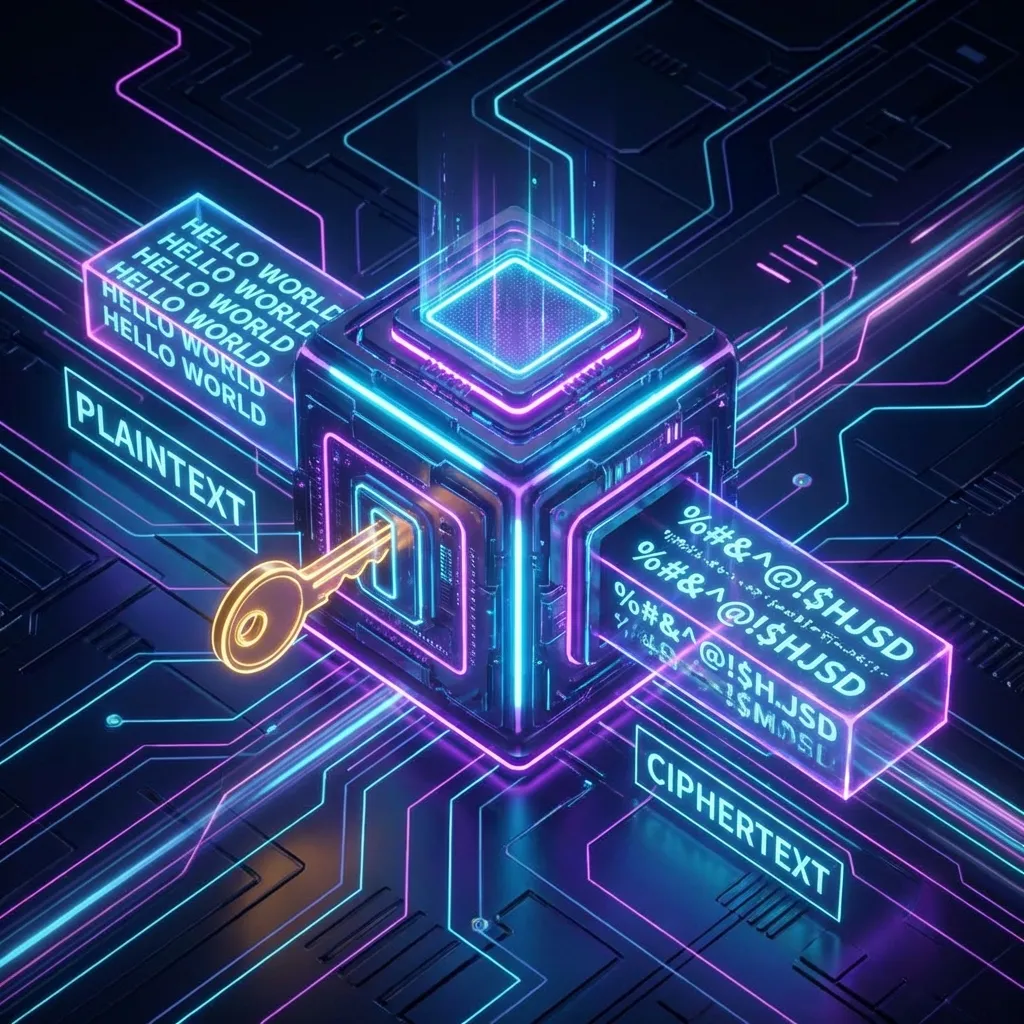
Encryption is the process of transforming plain text (readable data) into a coded, unreadable format called ciphertext.
Plaintext: "CreditCard: 1234-5678-9012-3456"
⬇️ (Encryption Algorithm + Key) ⬇️
Ciphertext: "aJd8!#fGkL$pQzX@bN2r^tYh"
It is the most essential tool for securing sensitive transaction data.
Encryption Step-by-Step Simulator
Click Next Step to walk through the encryption and decryption process.
Encryption in Action: SSL/TLS
How is encryption implemented on the web? Through SSL/TLS.
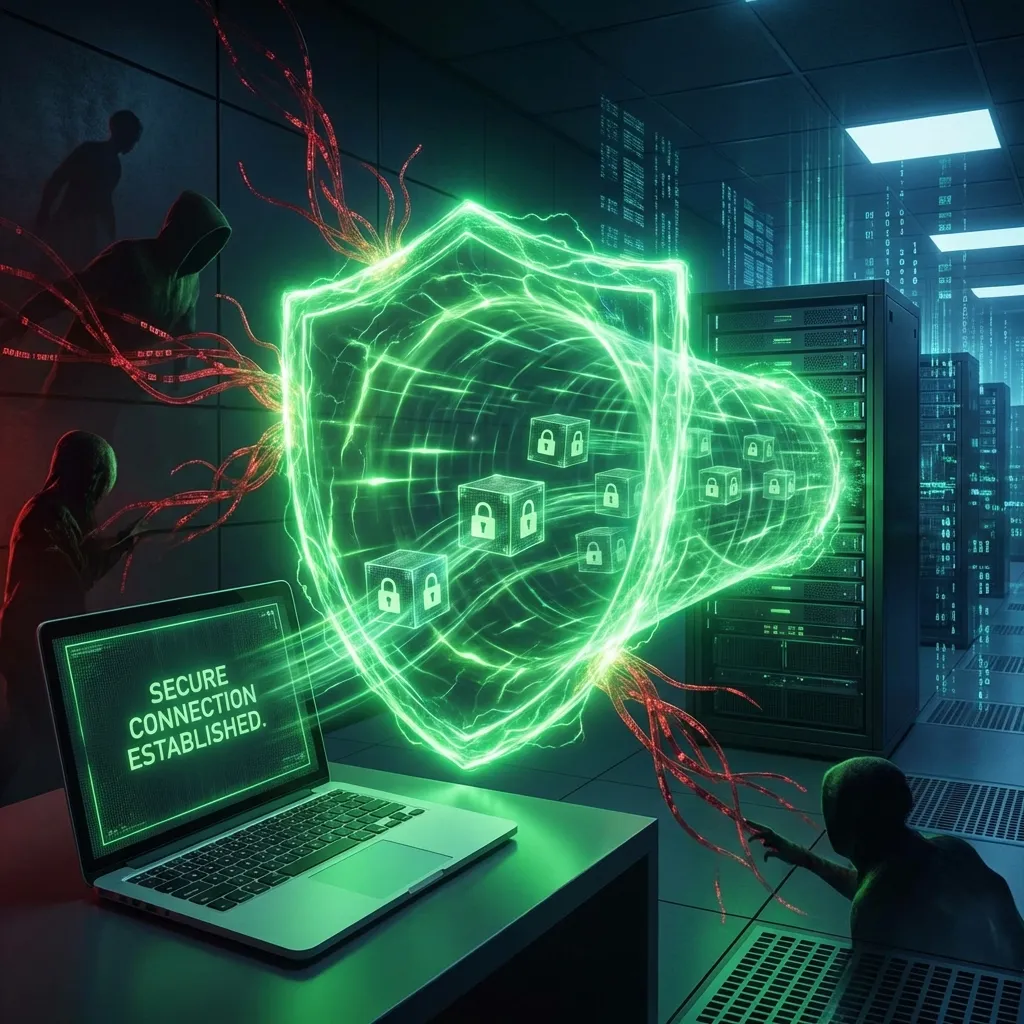
- SSL/TLS (Secure Sockets Layer / Transport Layer Security) is the standard technology for encrypting the communication between a user's browser and a web server.
- It creates a secure, private "tunnel" for your data over the public internet.
🔍 How to Spot a Secure Connection
When SSL/TLS is active, you'll see two key indicators in your browser:
1. The URL starts with HTTPS (not HTTP).
2. A padlock icon 🔒 appears in the address bar.
SSL/TLS Quick Quiz
Answer each question — click a choice to see instant feedback.
2. Firewalls: The Digital Gatekeeper
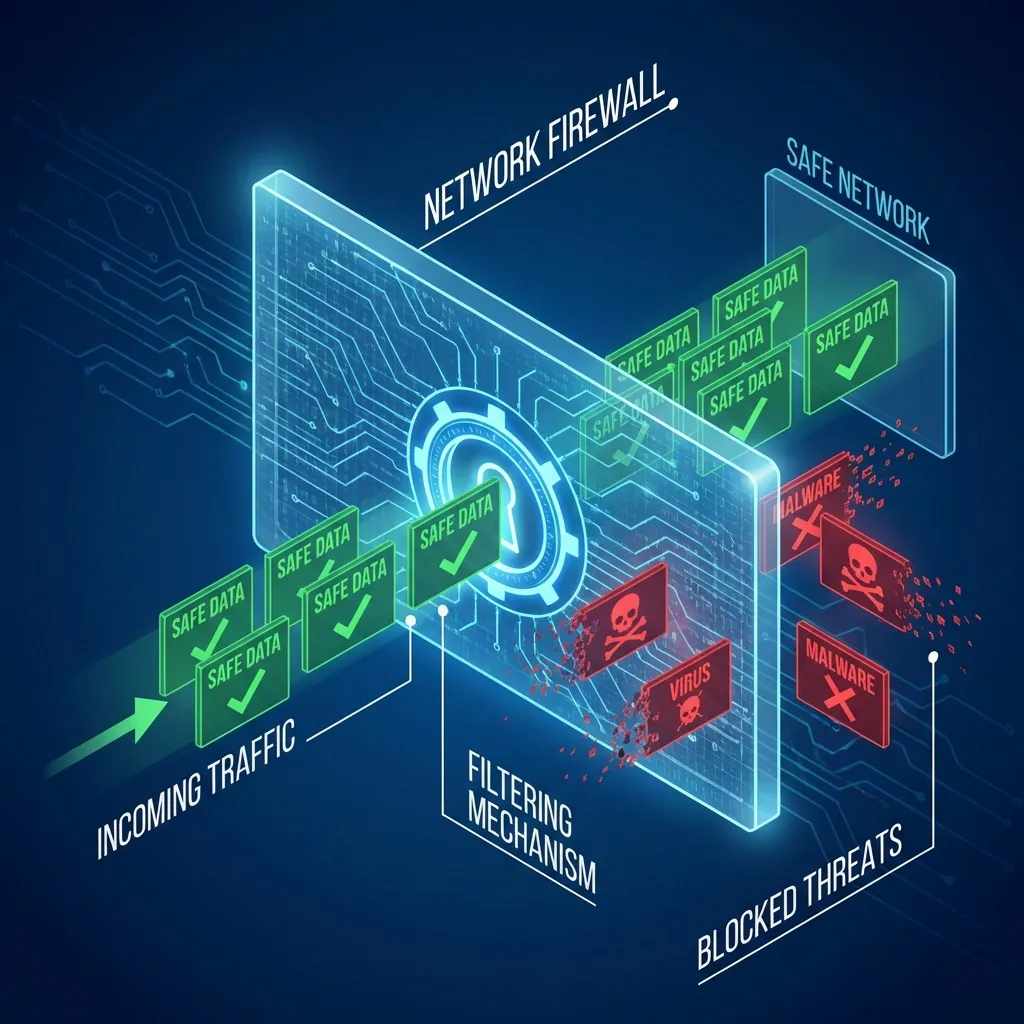
A firewall is a network security device that acts as a barrier between a trusted internal network and an untrusted external network (like the internet).
Its primary functions are to:
- Monitor incoming and outgoing network traffic.
- Filter traffic based on a defined set of security rules.
- Block malicious or unauthorized traffic from entering the network.
Firewall vs. Antivirus Software
These two tools serve different, but complementary, security functions.
🧱 Firewall
- Focus: Network Traffic
- Analogy: A security guard at the building's main gate.
- Action: Blocks unauthorized access *to* the network.
🦠 Antivirus Software
- Focus: Files & Software
- Analogy: A security patrol checking rooms *inside* the building.
- Action: Detects & removes malware *already on* a system.
Firewall or Antivirus? You Decide!
Read each security scenario and choose: would a Firewall or Antivirus be the primary tool to address it?
Beyond the Basics: Other Security Tools
For more advanced security, businesses may use additional technologies.
Proxies
An intermediary server that hides the client's identity, adding a layer of anonymity and security.
VPNs
Creates a secure, encrypted connection over a public network, often used for remote access to a corporate network.
Intrusion Detection Systems (IDS)
Monitors network or system activities for malicious activity or policy violations. It acts like a digital burglar alarm.
Explore the Advanced Security Tools
Click each card to reveal a deeper explanation, real-world use, and how it fits in a security strategy.
Practical Application: Security in Nepal's E-commerce 🇳🇵
The adoption of security technologies by e-commerce businesses in Nepal is growing, but faces challenges.
Current Adoption Status:
- SSL Certificates: Widely used by major e-commerce sites (e.g., Daraz, Sastodeal) to secure transactions.
- Firewalls: Implemented by many businesses to protect their network infrastructure.
- IDS: Used primarily by larger businesses and financial institutions with more resources.
Key Challenges in Nepal: Cost of technology, a shortage of skilled cybersecurity personnel, and a lack of security awareness among smaller businesses.

Key Takeaways 🎯
- A multi-layered approach (encryption, firewalls, antivirus) is crucial for effective e-commerce security.
- Encryption is the core technology for protecting sensitive data like credit card numbers.
- SSL/TLS is the standard that enables encrypted HTTPS connections, identifiable by the 🔒 icon.
- A firewall acts as a perimeter defense, filtering malicious network traffic before it reaches your systems.
Discussion Questions 💬
- How can you, as a consumer, verify that an e-commerce website is using SSL/TLS to encrypt your connection?
- In your own words, what is the main difference between a firewall's job and an antivirus program's job?
- Why is encryption alone not enough to completely secure an e-commerce site? (Hint: Think about the multi-layered approach).
Thank You!
Next Topic:
Unit 4.4: E-commerce Payment Systems