ICT 110: IT for Business
Comprehensive Revision Session
Why are we here today?
Based on your feedback, we are diving deep into the topics YOU found most challenging!
- 🎯 Clarifying "deceptively simple" concepts.
- 📊 Visualizing complex systems (ERP, Networks).
- 🛠️ Mastering the tools for business application.
- ⚡ Bridging the gap between theory and practical impact.
Unit I: IT as a Strategic Driver
IT is the "Central Nervous System" of a business.
graph TD
A["Business Strategy"] --> B{"IT Infrastructure"}
B --> C["Operational Efficiency"]
B --> D["Business Effectiveness"]
B --> E["Strategic Innovation"]
C --> F["Automation & Cost Reduction"]
D --> G["Better Decision Making"]
E --> H["New Business Models (e.g. eSewa)"]
Unit I: IT Across Functions
💰 Finance & HR
- ERP: Integrated financial "source of truth."
- HRIS/ATS: Managing talent from "hire to retire."
📦 Ops & Marketing
- SCM: Tracking products (e.g., Daraz Express).
- CRM: 360-degree view of the customer.
Unit II: Hardware - Advanced Input
Moving beyond Mouse & Keyboard:
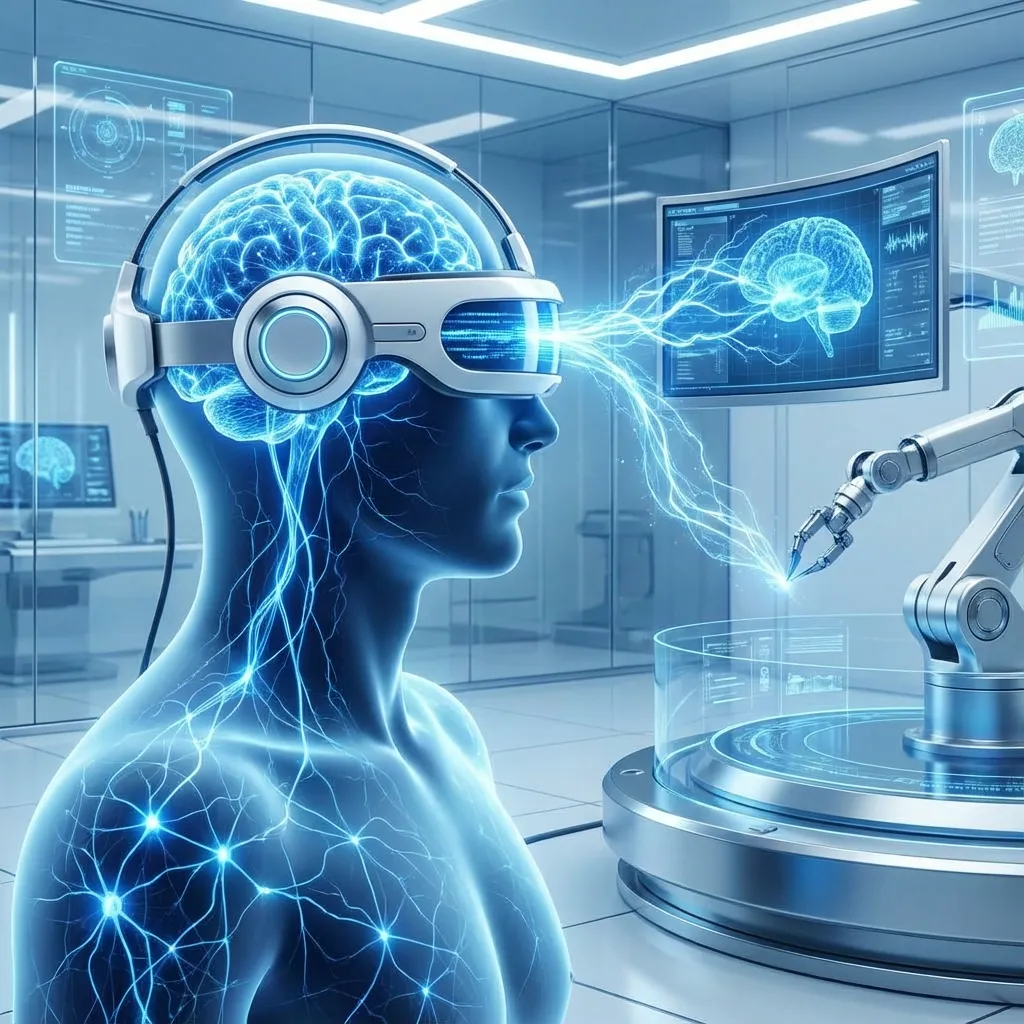
- BCI: Brain-Computer Interface (Direct thought control).
- Haptics: Tactile feedback (Gloves, Medical sims).
- Biometrics: Fingerprint, Iris, Face (Security).
Unit II: Hardware - Specialized Storage
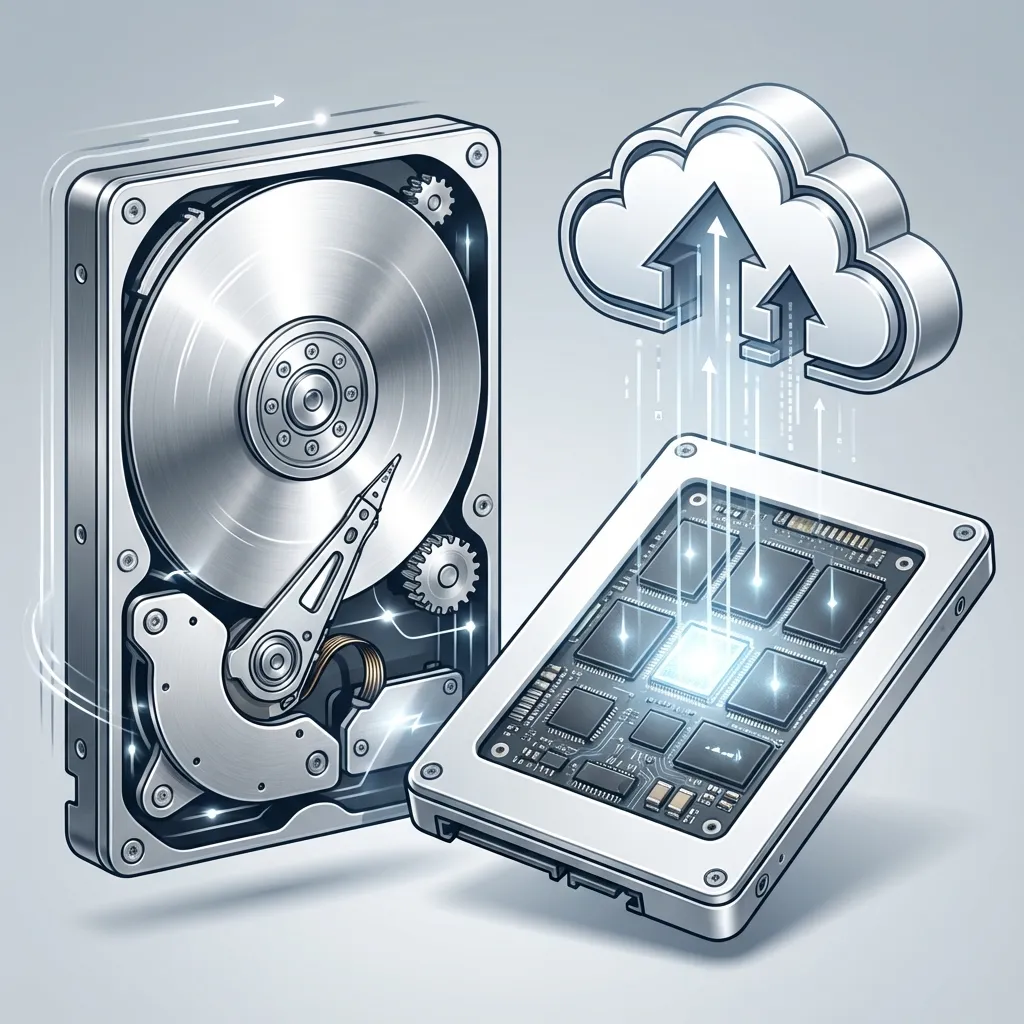
Storage Pyramid: Speed vs. Capacity
- SSD: Flash-based, blazing fast, but pricier.
- HDD: Mechanical, great for mass data archiving.
- NAS/SAN: Network-attached storage for team collaboration and enterprise scale.
Unit III: Software Integration
The "Glue" of the Enterprise.
graph LR
ERP(("ERP System")) --- CRM["Customer Data"]
ERP --- SCM["Supply Chain"]
ERP --- HRM["Human Resources"]
ERP --- FIN["Finance/Accounts"]
classDef highlight fill:#e8f4f8,stroke:#006ba1,stroke-width:2px;
class ERP highlight;
Recall: ERP breaks down "Data Silos" so every department sees the same numbers.
Unit III: Licenses & Categories
Proprietary
Microsoft Office, SAP. Paid, closed source.
Open Source
Linux, LibreOffice. Free to use, modify, redistribute.
SaaS
Google Workspace, Salesforce. Subscription, cloud-based.
Unit IV: Networks - IP Addressing
How devices find each other on the "Information Highway."
IPv4 (The Old Standard)
192.168.1.1- 32-bit (4 Billion addresses)
- Addresses are running out!
IPv6 (The Future)
2001:0db8:85a3...- 128-bit (Virtually infinite)
- Better security & speed.
Unit IV: Network Security & Topologies
graph LR
subgraph "Star Topology"
Center["Switch/Hub"] --- D1["PC 1"]
Center --- D2["PC 2"]
Center --- D3["PC 3"]
end
FW["Firewall"] --- Center
Internet(("Internet")) --- FW
Firewalls: Act as security guards, filtering coming and going traffic based on rules.
Unit V: DBMS Foundations
Why do we use Relational Databases?
- Structured Data: Organized into tables with rows & columns.
- Data Integrity: Prevents duplicates and maintains relationships.
- SQL: The standard language for "talking" to the database.
Unit V: The Relational Model
erDiagram
CUSTOMER ||--o{ ORDER : places
ORDER ||--|{ LINE_ITEM : contains
PRODUCT ||--o{ LINE_ITEM : included_in
CUSTOMER {
string name
string email
}
ORDER {
int orderNumber
date date
}
Unit VI: Data Analysis & Tools
Turning Raw Data into Decisions.
- Spreadsheets (Excel/Sheets): Fast calculations & basic charts.
- Power BI / Tableau: Advanced dashboards & interactive visual storytelling.
- Collaboration Tools: Google Workspace & Teams for real-time collective intelligence.
Unit VI: Business Scenarios
How do we extract value?
stateDiagram-v2
[*] --> RawData : Data Extraction
RawData --> CleanData : Processing
CleanData --> Analysis : Formulas/SQL
Analysis --> Insight : Visualization
Insight --> Action : Business Decision
Revision Complete!
"The best way to predict the future is to create it." - Peter Drucker
Now, go through the detailed notes linked in the blog post!